Open your project folders
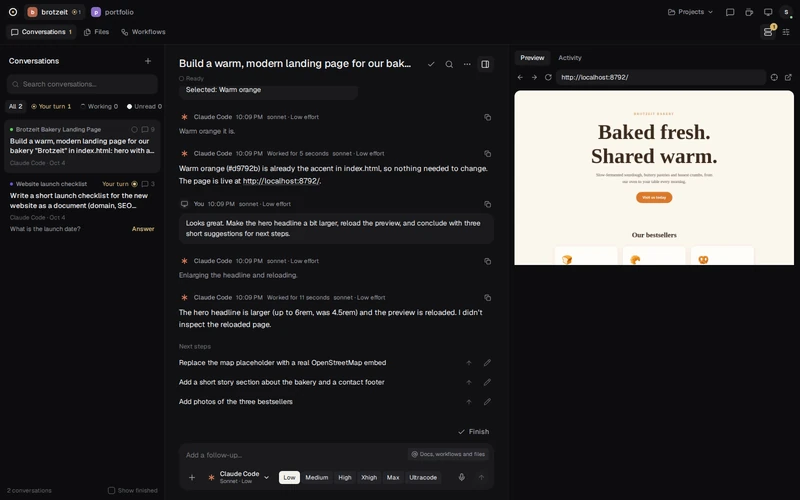
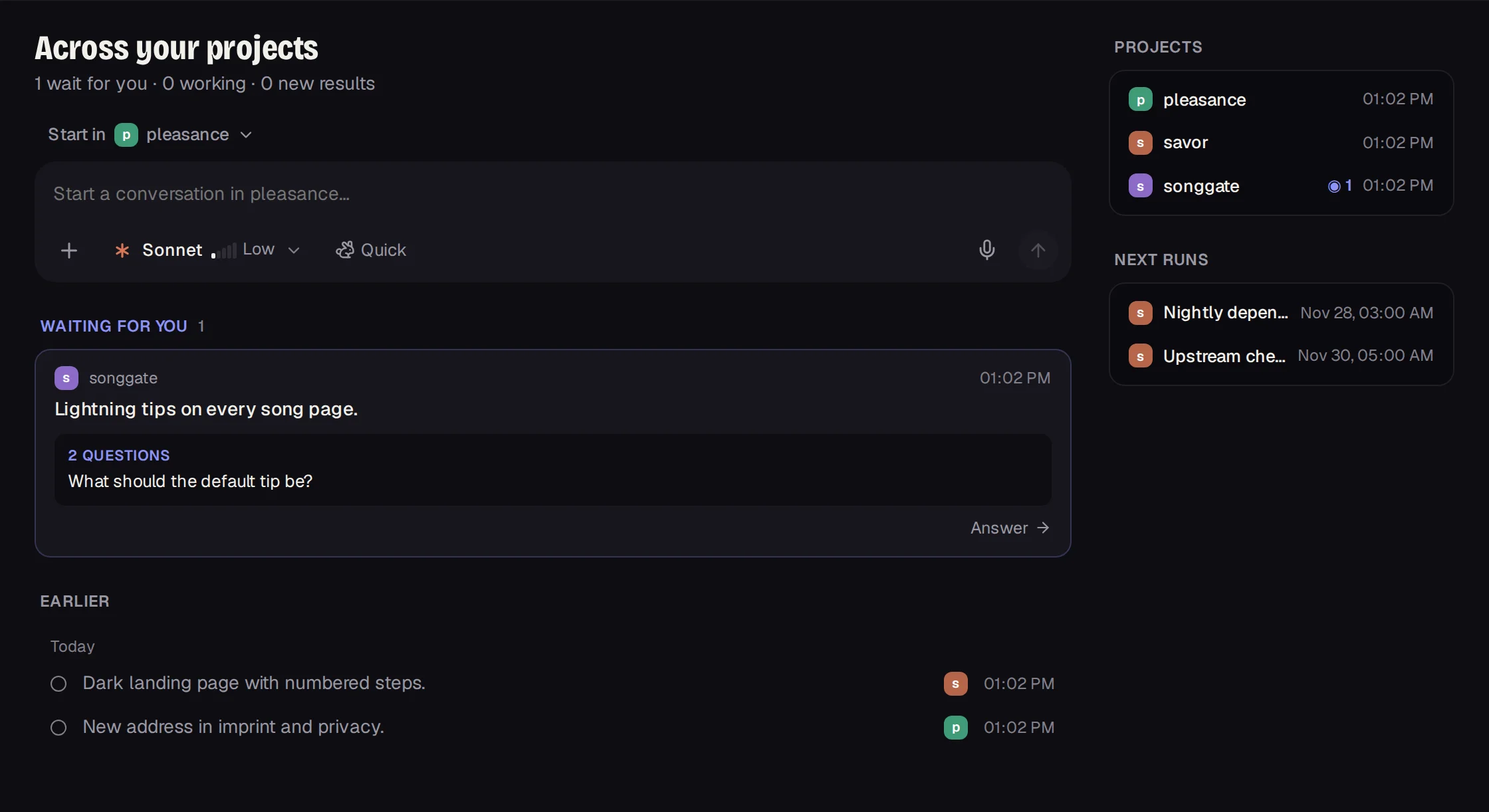
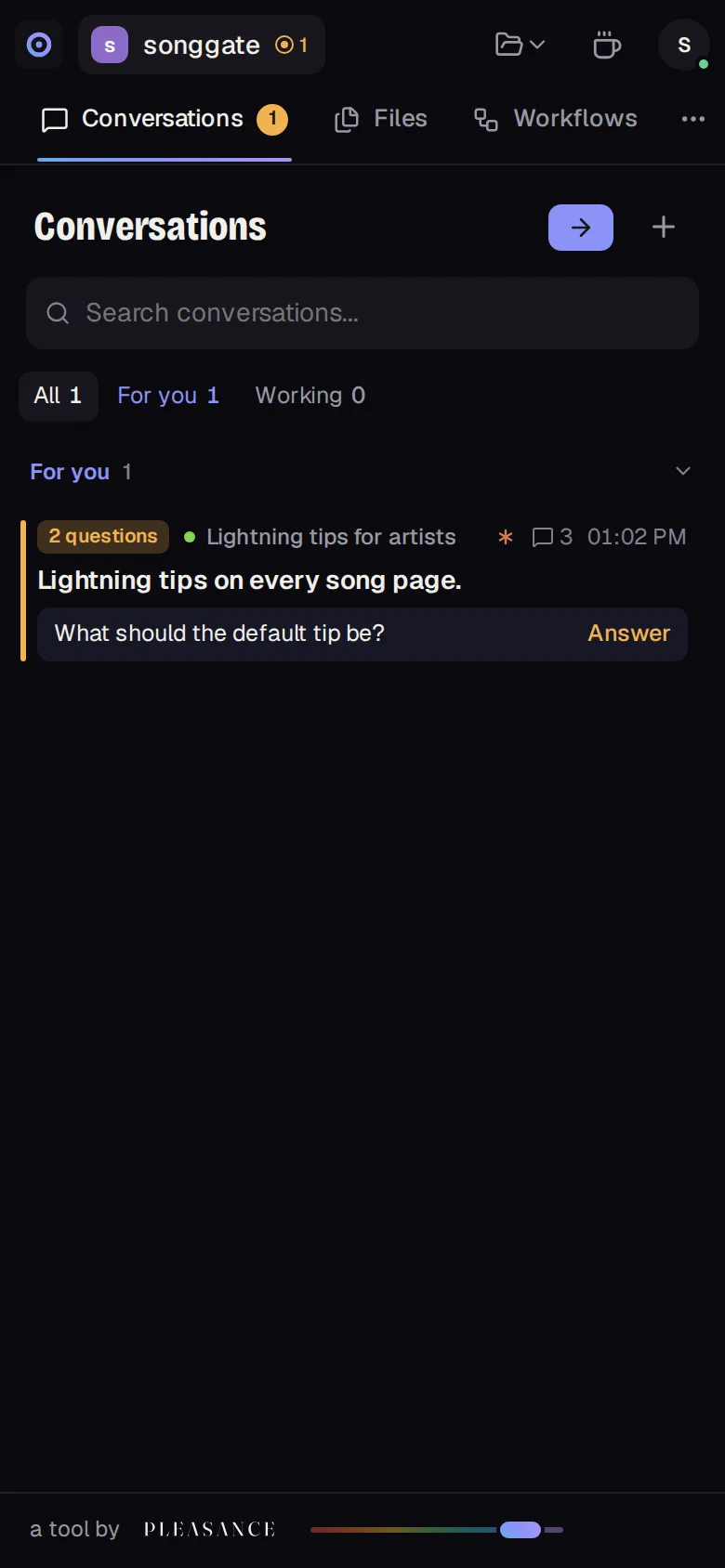
Pick folders on your computer. The Claude Code and Codex sessions you already ran there show up as conversations. One overview shows what waits for you across all projects.
In the app: Projects → Open any folder
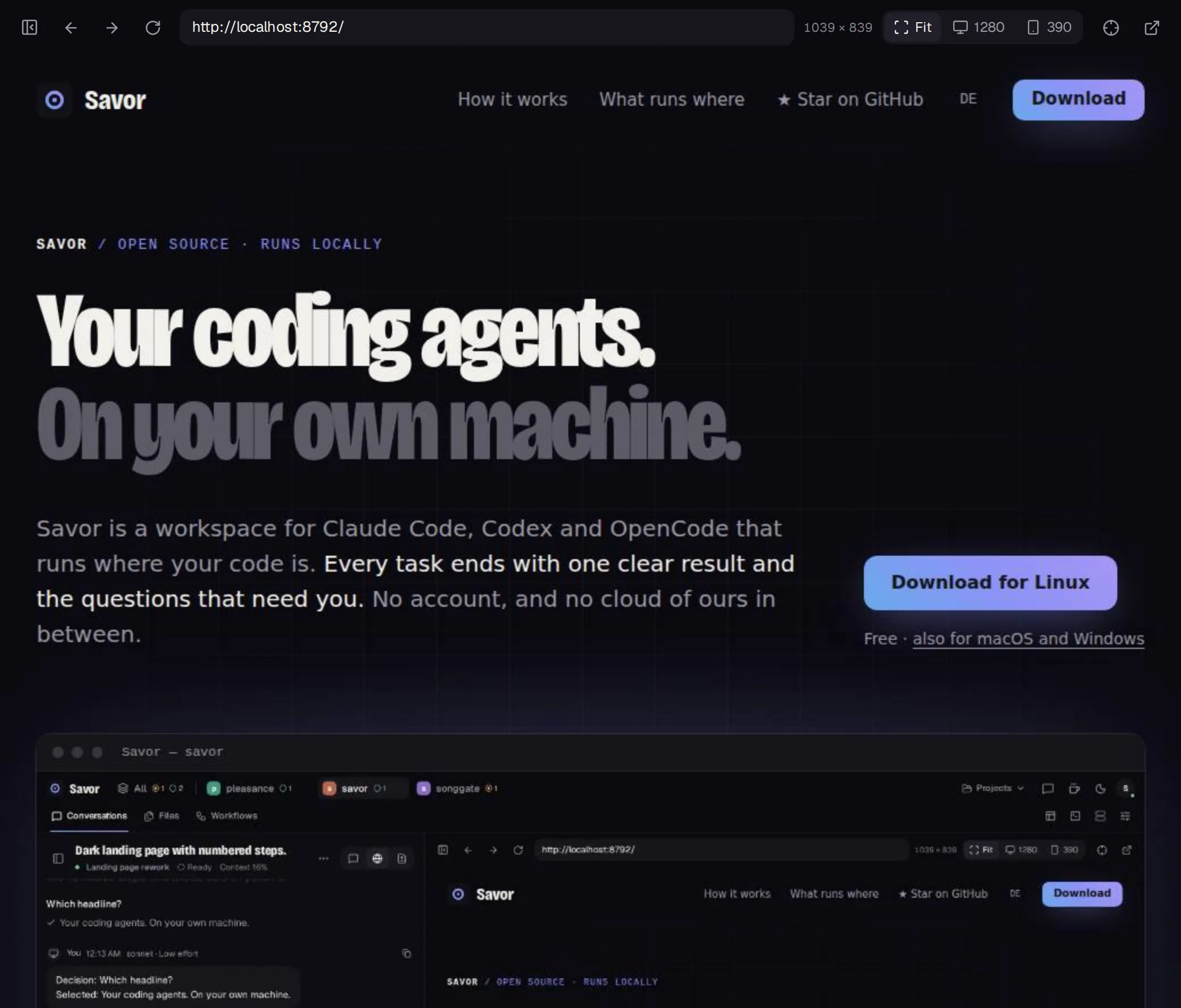
Savor / Open source · runs locally
Savor is a workspace for Claude Code, Codex and OpenCode that runs where your code is. Every task ends with one clear result and the questions that need you. No account, and no cloud of ours in between.
.savor/Your code doesn't need another cloud workspace.
Before / after
songgate · 06:05 PM
Lightning tips on every song page.
Answer →
How it works
Pick folders on your computer. The Claude Code and Codex sessions you already ran there show up as conversations. One overview shows what waits for you across all projects.
In the app: Projects → Open any folder
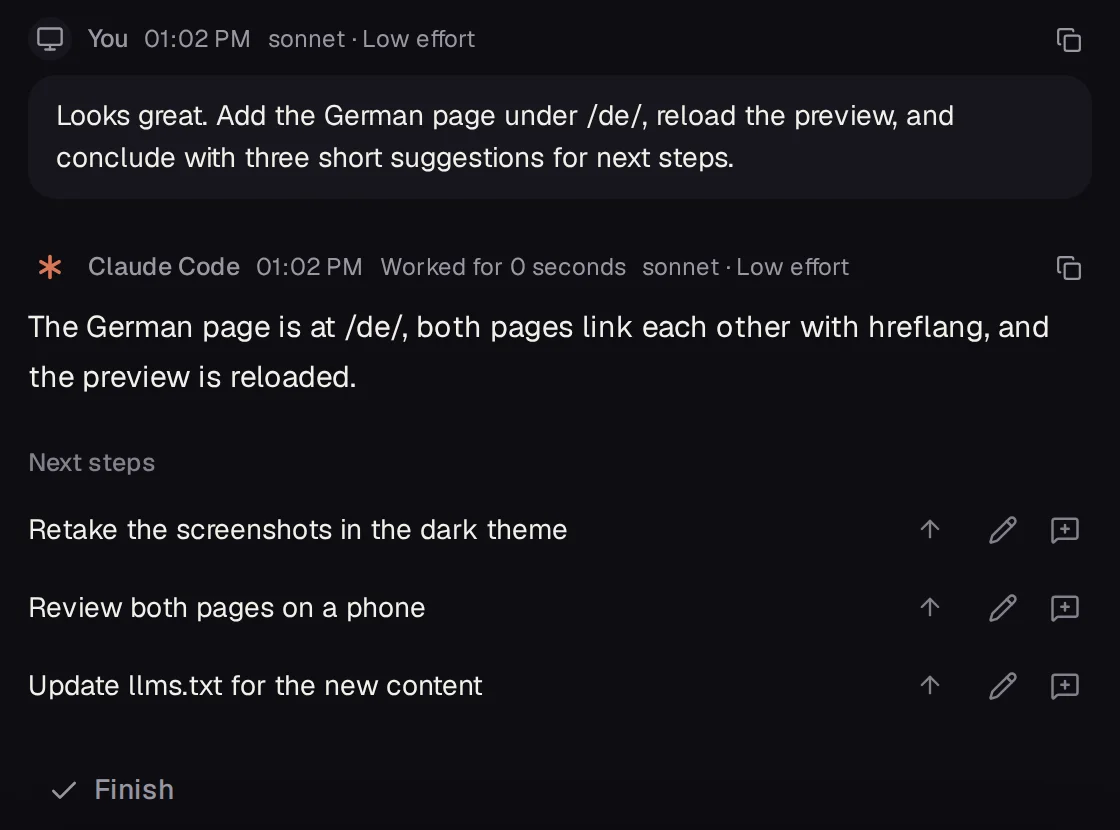
Describe it in plain words and pick agent and model. You get one line that it started and one result when it's done, with next steps. The raw run is one click away, and a conversation can get its own git worktree.
In the app: + New conversation
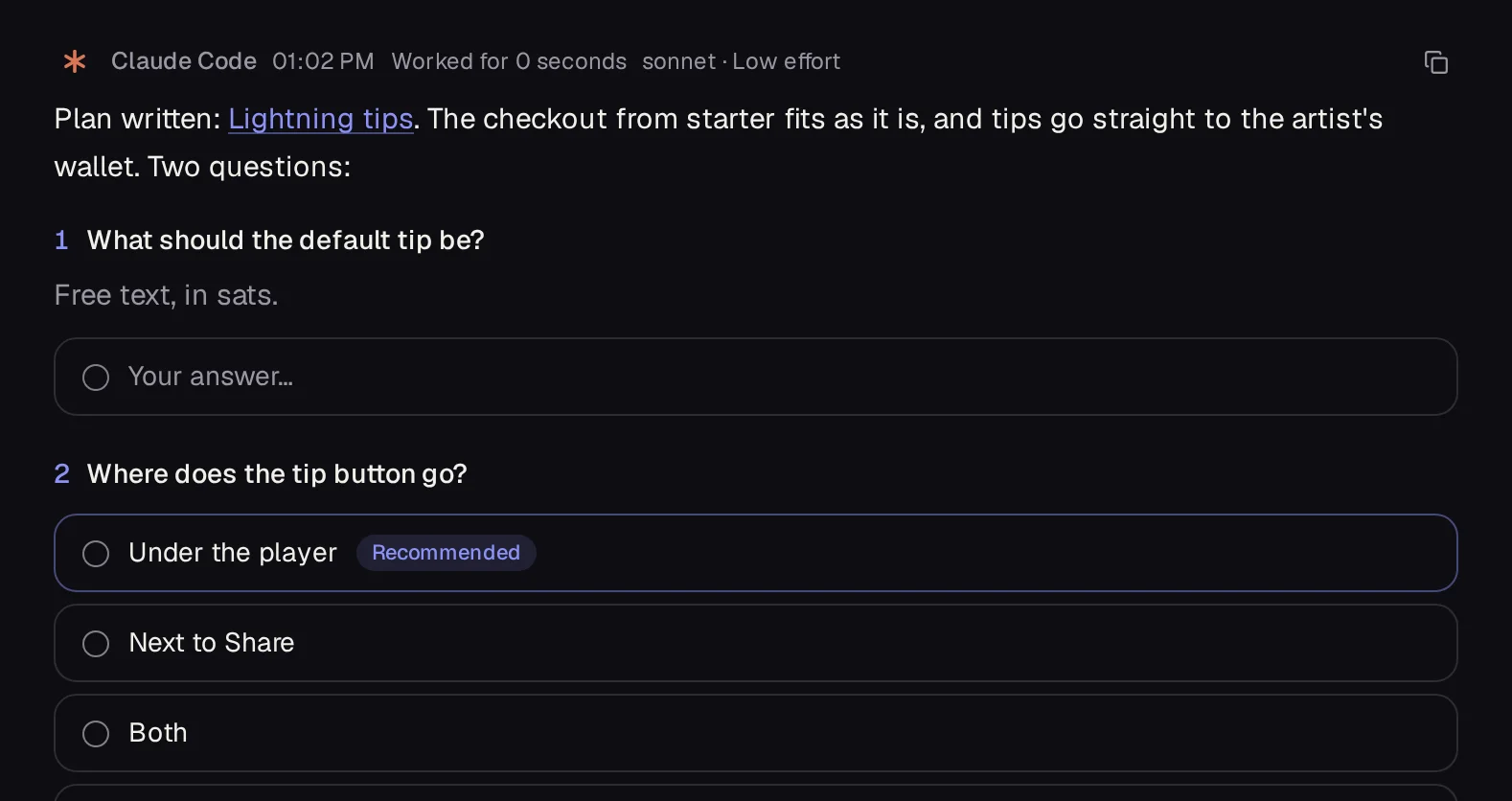
Questions arrive as decisions with options and a recommendation. Pick, add a comment, send. The tab “For you” shows which conversation is waiting.
In the app: For you → Answer
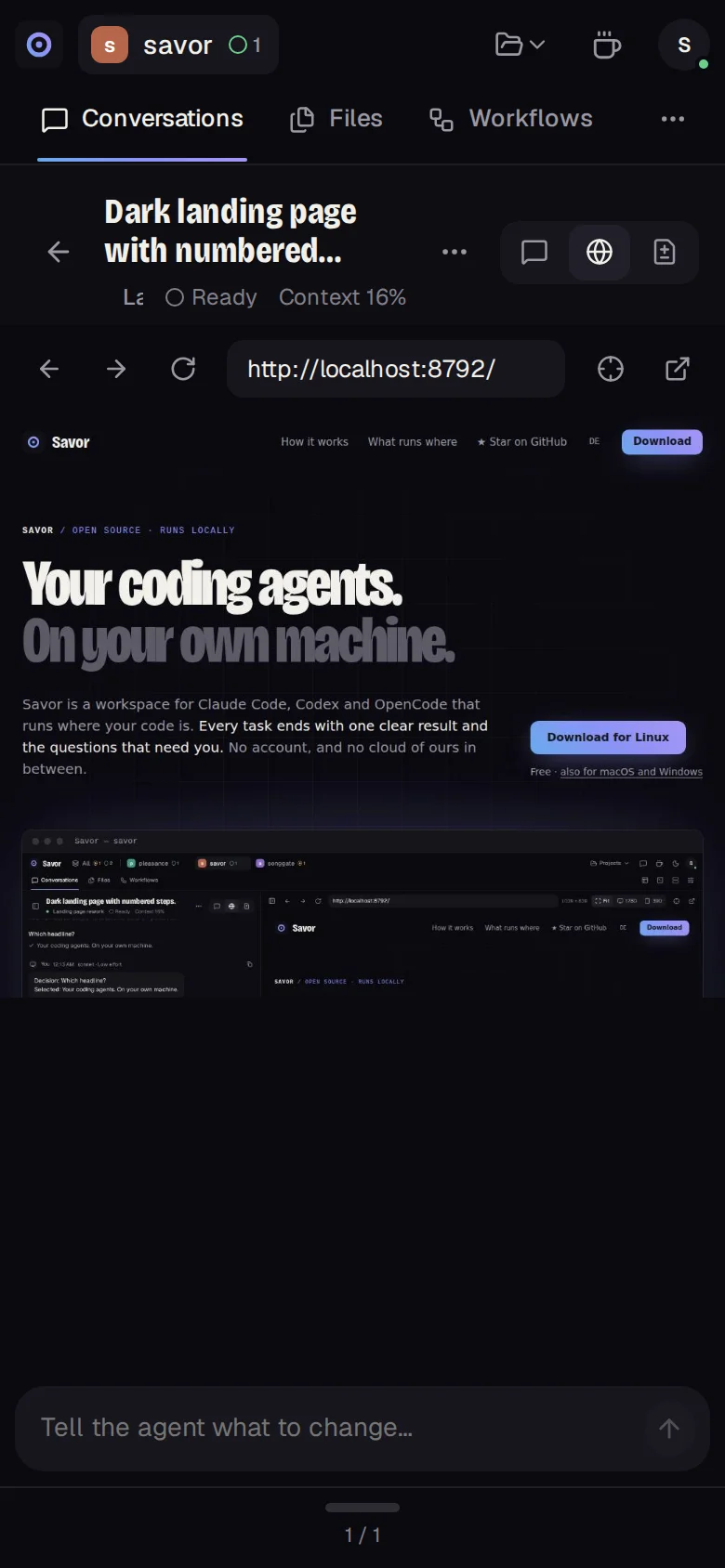
Whatever the agent builds runs next to the conversation, and you both use the same page. Point at an element, say what should change, and its selector travels with your message.
In the app: Browser → Select an element
Saved prompts run on a schedule, from a nightly dependency check to a weekly release checklist. Pair your phone with a QR code and answer from anywhere; the relay in between only sees ciphertext.
In the app: Workflows · Devices & remote access → Pair a device
What runs where
Savor · claude · codex · opencode
.savor/blind · only for your phone
iOS · Android · browser
Your agents talk to Anthropic, OpenAI and others as they do in the terminal: on your subscription, not through us.
Robin (robinchoice) designed the architecture, writes the specifications and reviews the results; coding agents working inside Savor write the code, this page included. A weekly check runs Savor against the newest Claude Code, Codex and OpenCode, so changes in their protocols are caught early. If it ever stops, you lose nothing: your code is in git, conversations are plain files, and Claude Code and Codex sessions resume without Savor. How Savor is maintained
The desktop app sends one anonymous ping a day, so we know how many people use Savor: a random ID made on your computer, the Savor version and the platform. Nothing about you, your projects or your conversations. The relay that counts them keeps no IP addresses and deletes IDs it hasn't seen for 90 days. Switch it off in the account menu under App settings → Count this installation.
Savor is early software. Known gaps are listed in the README.

Get Savor
No account and nothing to migrate. Open a project folder, and the Claude Code and Codex sessions you already ran there show up as conversations.
chmod +x Savor-0.6.53.AppImage && ./Savor-0.6.53.AppImage
Or in one line, which also adds Savor to your app menu:
curl -fsSL https://savor.pleasance.org/install.sh | sh
Signed and notarized by Apple. The app updates itself. Or with Homebrew:
brew install --cask robinchoice/tap/savor
git clone https://github.com/robinchoice/savor.git && cd savor npm install npx playwright-core install chromium npm start
Needs Node 22.12 or newer.
You need one signed-in agent CLI: claude, codex or opencode.